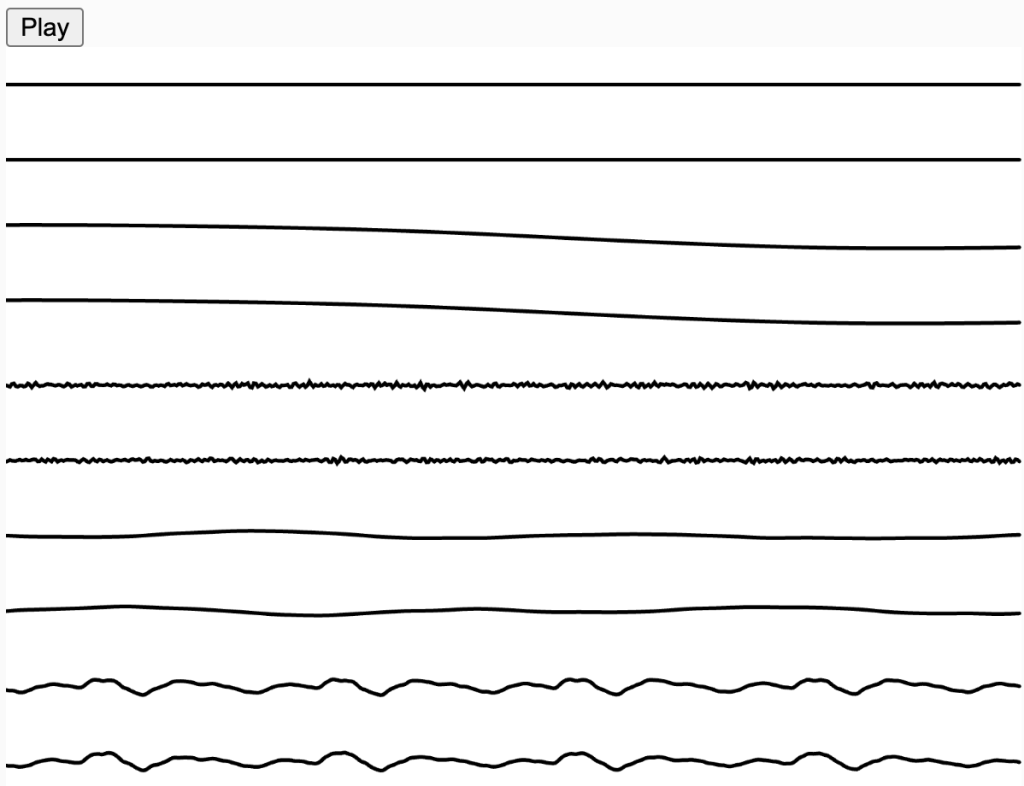
Inspired by our in-class example Waveforms (Björk)
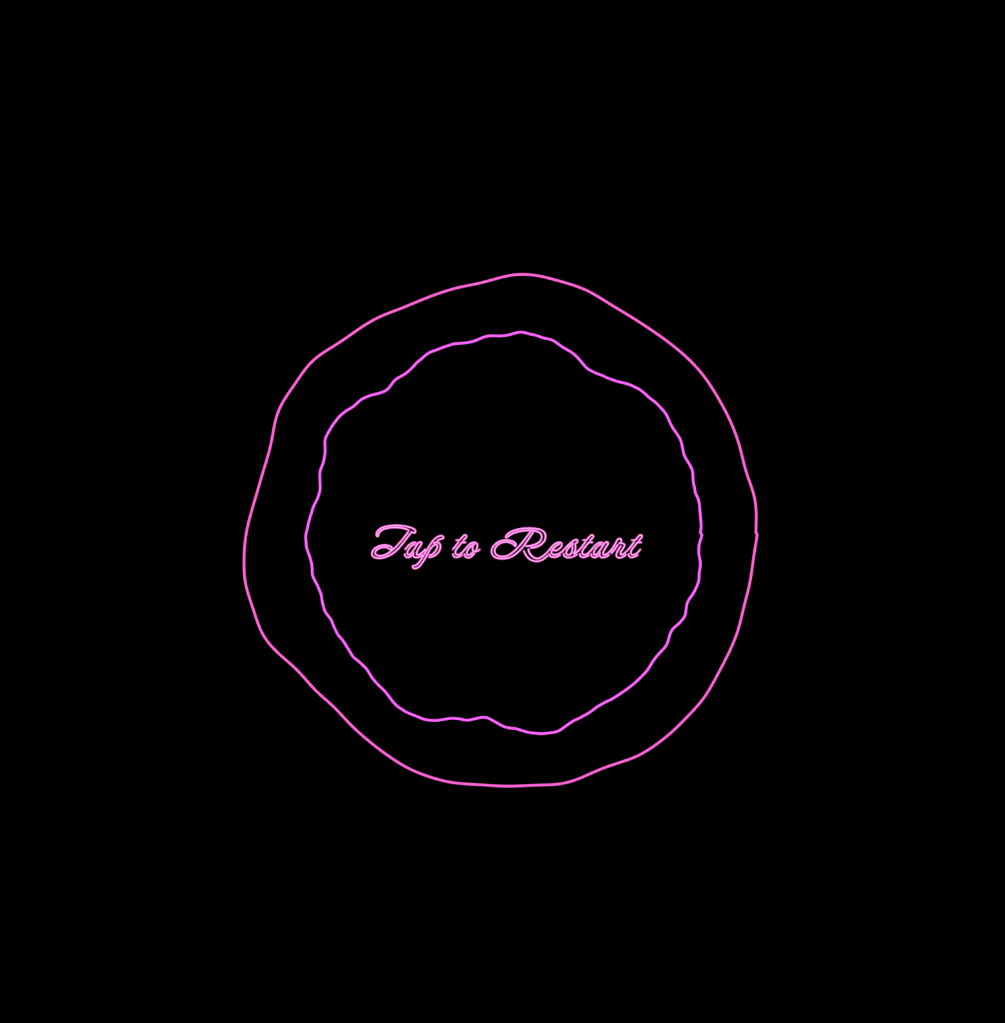
I made something similar, a concentric circle synchronized with the music waveforms, with its stroke colors affected by waveform, spectrum, and volume.
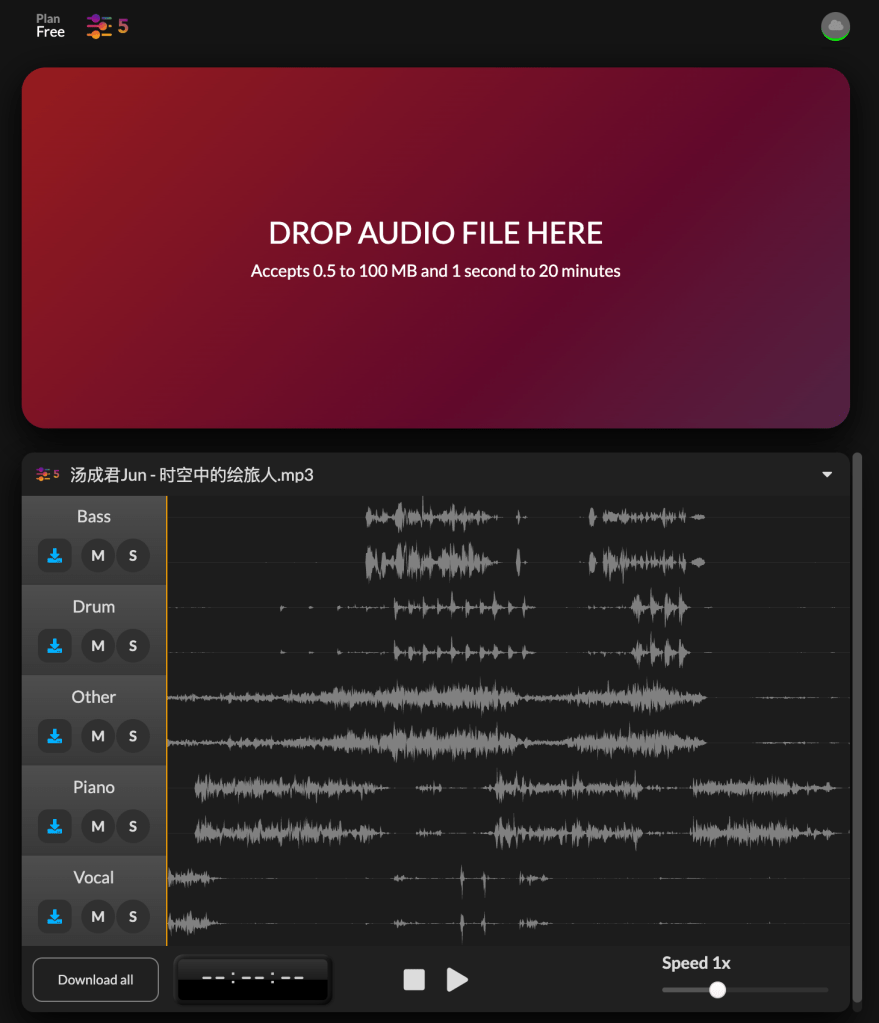
I chose a song I like and then used a splitter to separate the different parts of the song. I set up individual tracks for each part to analyze their waveform, spectrum, and volume using Tone.js.
The most challenging part of the process was making each stroke a different color, especially since I’m not very familiar with Tone.js. I initially tried using the analyze function in p5.fft, which can analyze an audio file’s bass, treble, and mid, but it seems that if I use p5 sound, I can’t use Tone.js. In the end, I decided to stick with Tone.js. I analyzed the waveform, spectrum, and volume to use different parameters for RGB. After mapping these parameters, the colors did change, but the changes were still quite subtle, and sometimes it was hardly noticeable at all.
In addition, I used Björk’s mousePressed function to start and stop the playback of the tracks, allowing players to click on a specific circle to pause and then resume playback. This way, they could recomposite the song. However, since I set the transparency of the circles, if they aren’t playing or the waveform is too low, the circles won’t appear on the screen. So, triggering the start of the composition becomes a matter of randomly clicking, which adds an element of fun to the process.
My question is, is it possible to use ps.sound and tone.js at the same time, and how to make them compatible.
 Anna Chen Blog Post
Leave a comment