Category: The Code of Music

  • 6.3 Harmony Study—Line’s a Pirate!

    Based on the examples and assignments from class, I was going to use code to play the song I picked last week – He’s a Pirate. So first I went and found some sheet music.

    Then I wrote them as notes and chords so that Tone.js would recognize it.
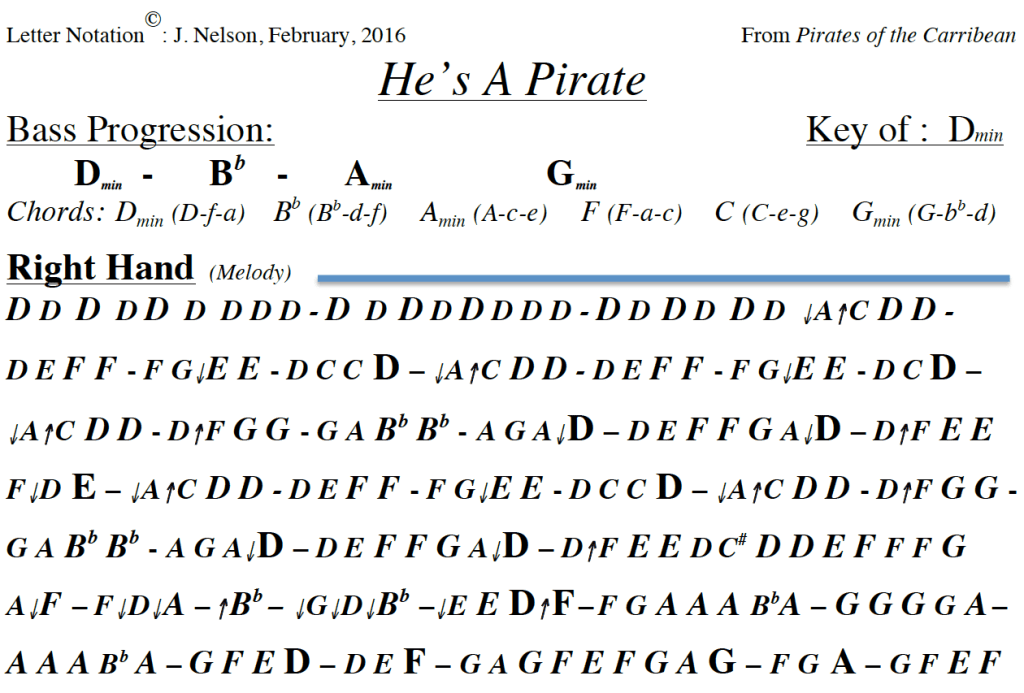
    After that, I started incorporating the chords and rhythms into p5.js. It worked at first, but I don’t know what went wrong with the transfer timeline, even though I set the time signature to 6/8, it still couldn’t read certain parts of the timeline. I assumed that the first number indicated the number of bars and the second the number of beats, so when I set the time signature to 6/8, there would be six beats per bar. But it turns out that Tone.js doesn’t think so. I couldn’t find any more information about this transfer timeline either, so I’ll just have to live with it.

    After completing the music section, I used the concordant/discordant visuals in this project. As a result, it really compliments the music visually.

  • 4.3 + 4.4 Melody Study

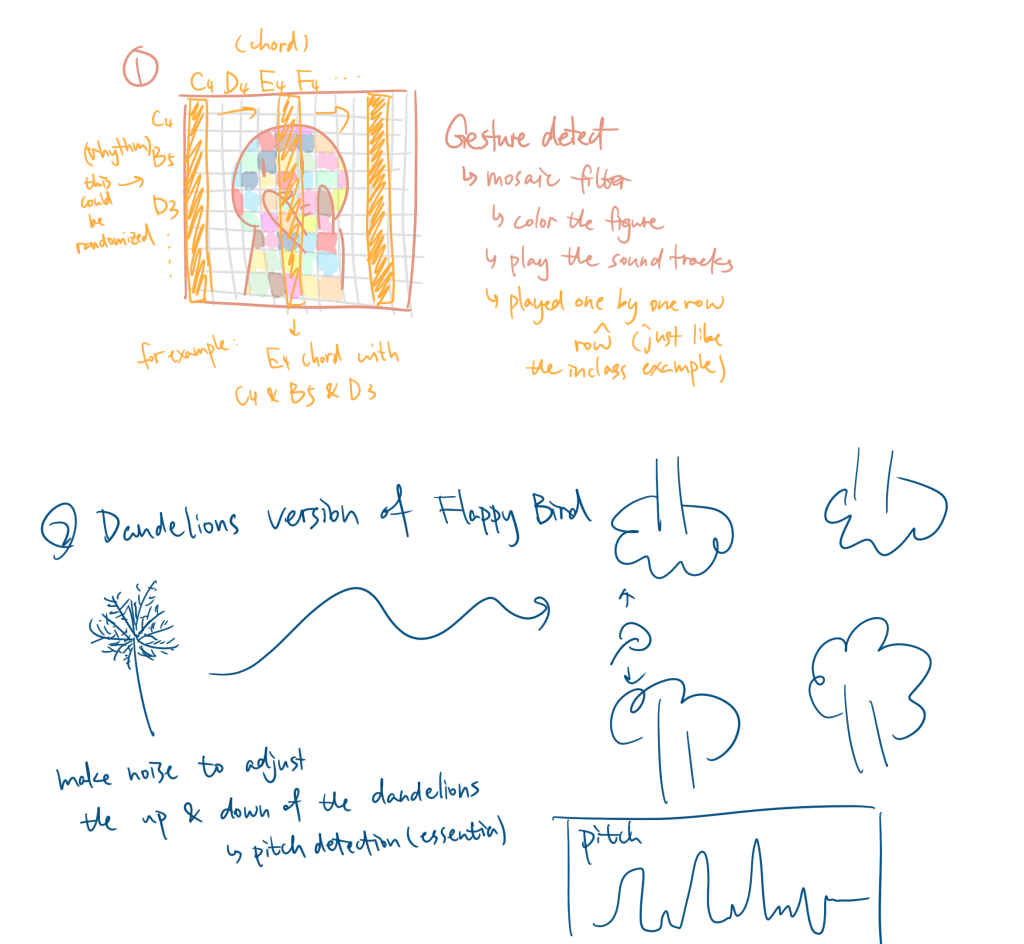
    When I first conceptualized this assignment, I originally wanted to create a real-time interactive gesture-based study where you could compose a melody. However, after looking at the class resources on pitch detection, I thought that would be fun, so I chose option 2. My initial idea was to have a dandelion blown into the air, and the goal would be to help it fly as far as possible. The audience’s pitch would be detected using pitch detection, ideally detecting the exact pitch. The game was inspired by Flappy Bird, but sound would be used to control the dandelion.

    At first, I wanted to use pitch detection to control the game, but I ran into issues with essentia.js, as the detected pitch fluctuated too much. For example, one moment it would be around 300 Hz, and the next, it would spike to over 4000 Hz, making it impossible to map correctly. Because of this, I had to use volume instead to control the dandelion’s vertical position.

    Since this is a MELODY assignment, I also want to integrate the sound into it, and I was thinking of playing different pitches based on the y-value of the flower. But this flower changes really fast, sometimes spiking to the top in a split second, so that option was discarded. Then I wondered if I could use essentia.js to detect the intonation of my speech, and then play audio of the same pitch as I flew past each tree. For example, if I’m singing C, then when this flower flies over a tree, it will also play C. But this didn’t work because the notes detected by Essentia are not very accurate and too complicated for me to implement.

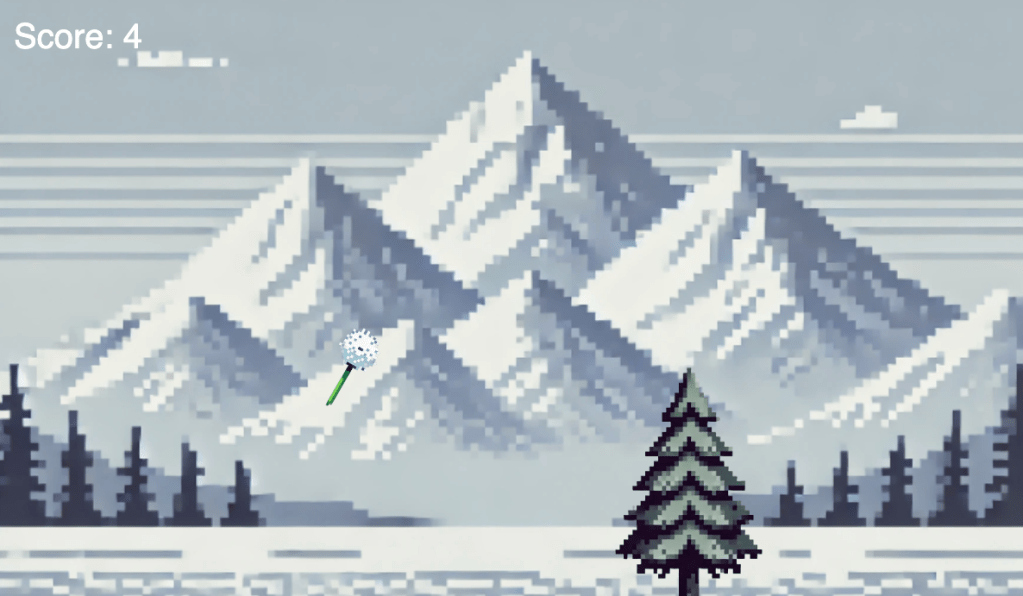
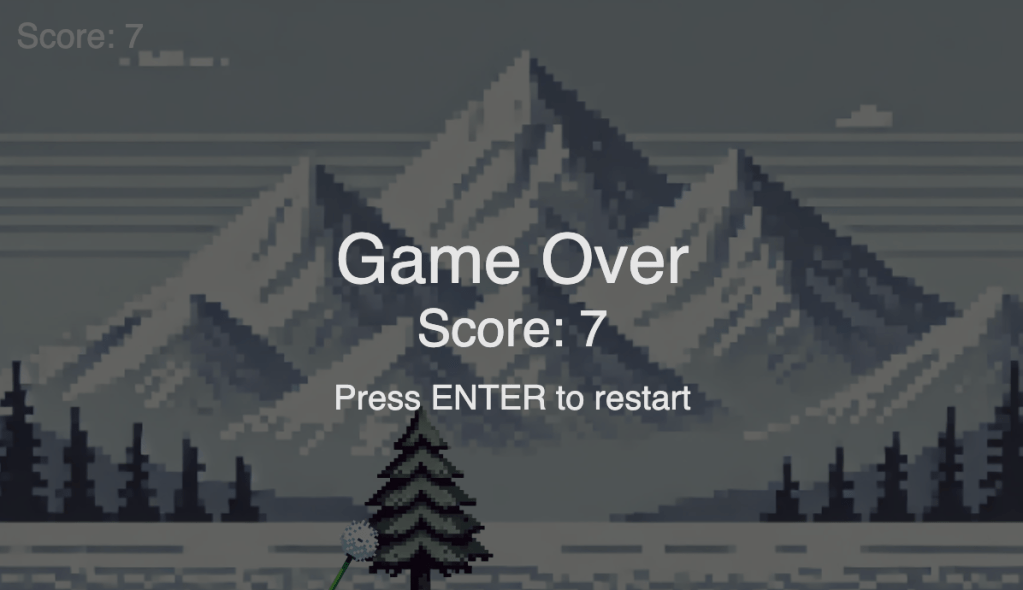
    And this is what I have for the final outcome.

    PS: This project was really hard on my voice because I had to howl constantly. If possible, please don’t watch my video, it’s so embarrassing—play it and experience it yourself!

    Click the image and start playing
  • 4.1 Interactive Rhythm Study – Marimba

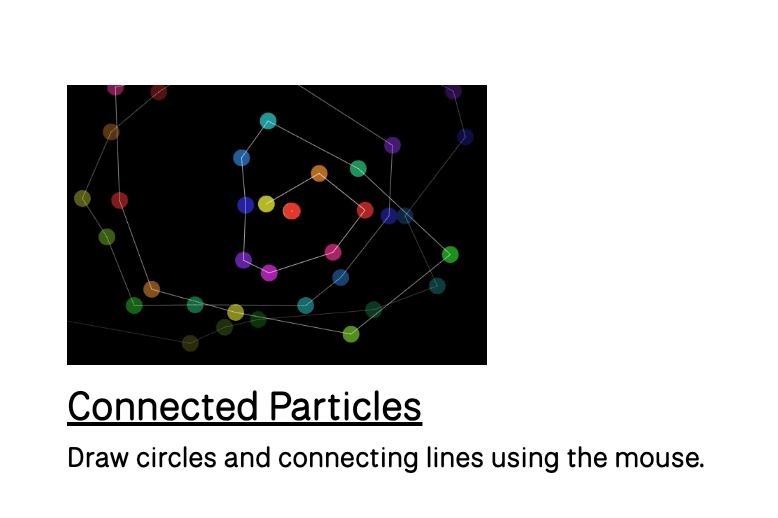
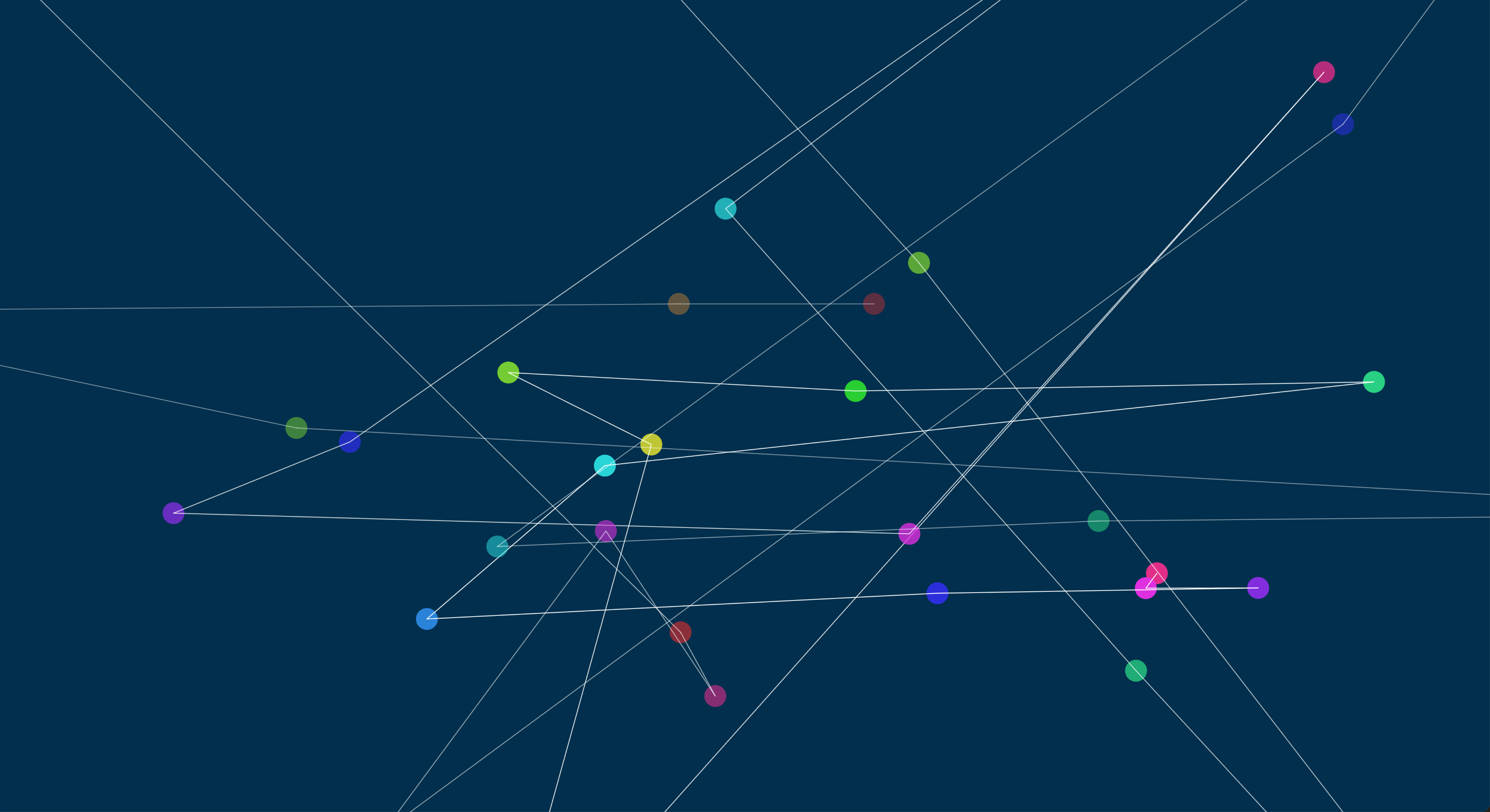
    Inspired by the p5.js example Connect Particles

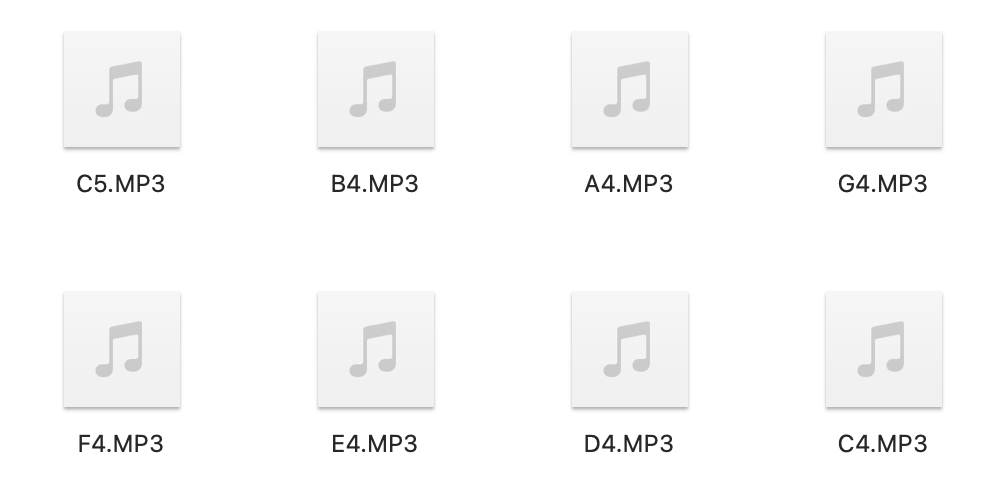
    I want to connect this visual effect to some audio and rhythm effects. The first time I saw this coding example, I started imagining the sound of Marimba. So I went to a webpage where I could online playing the Marimba and record the notes.

    In terms of connecting the interaction with sound, I divided the canvas into eight equal pieces based on the coordinates of the mouse and assigned each area a note. The sketch below is an illustration of how I divide the canvas using concentric circles.

    Other than that, I also used what I learned from previous class—the colorMode(HSB), and I implemented it to this study by adjusting the background color based on the coordinates of the mouse.

    ↓↓↓CLICK THE SCREENSHOT TO PLAY ↓↓↓

  • 2.3 Partner’s Feedback

    • Was there anything surprising or unexpected in how they described their experience of your piece?
    • One thing that surprised me when they described their experience of my piece was that they really liked the black background contrasting with the music rings to make the color look brighter and more colorful. 
    • What opportunities for improvement did they identify? Did they have any suggestions that you would like to incorporate in future versions of the piece?
    • One improvement that we all identify is adding a glowing effect to the ring stroke to make it look more like a neon light. Anna Tang helped me find a link to a P5 glow effect with codes for me to study and use. I will definitely try to figure out how to make this effect and implement it in my later work.
    • Were any parts of your code confusing to them, and could you improve its readability by choosing different variable/function names or adding comments?
    • I did not have any comments on my code, which could be a problem since I might not even know what I was writing without any comments. I should probably comment and organize my code while doing the assignment
    • Did they have any suggestions on ways to improve the code?
    • They did not give any suggestions on ways to improve the code, but I’ve received feedback from prof that I should try using HSB color mode to achieve the effect that I want.

  • 2.1 Design

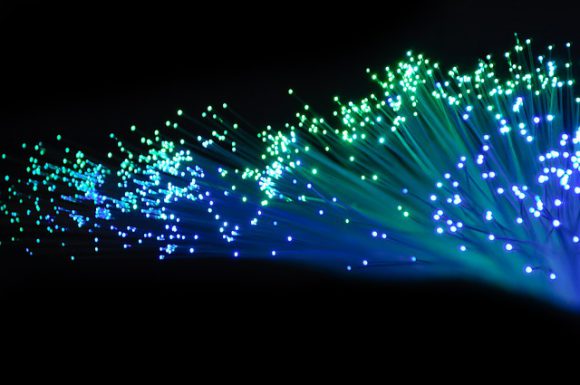
    #1 Music Waterfall

    https://images.app.goo.gl/vFL9kt4j1QYNJcm46

    Countless optical fibers hang from the ceiling to the ground, arranged like a waterfall, with blue light flowing down these fibers from top to bottom. A soothing piece of music plays, and the light beams pulse in rhythm with the music. When someone attempts to touch the waterfall, a motion sensor detects their hand, causing the music’s tempo to accelerate and introducing many different instruments suddenly. The color of the light beams shifts from a comforting blue hue to an urgent red. When people leave, the waterfall returns to a calm and serene state.

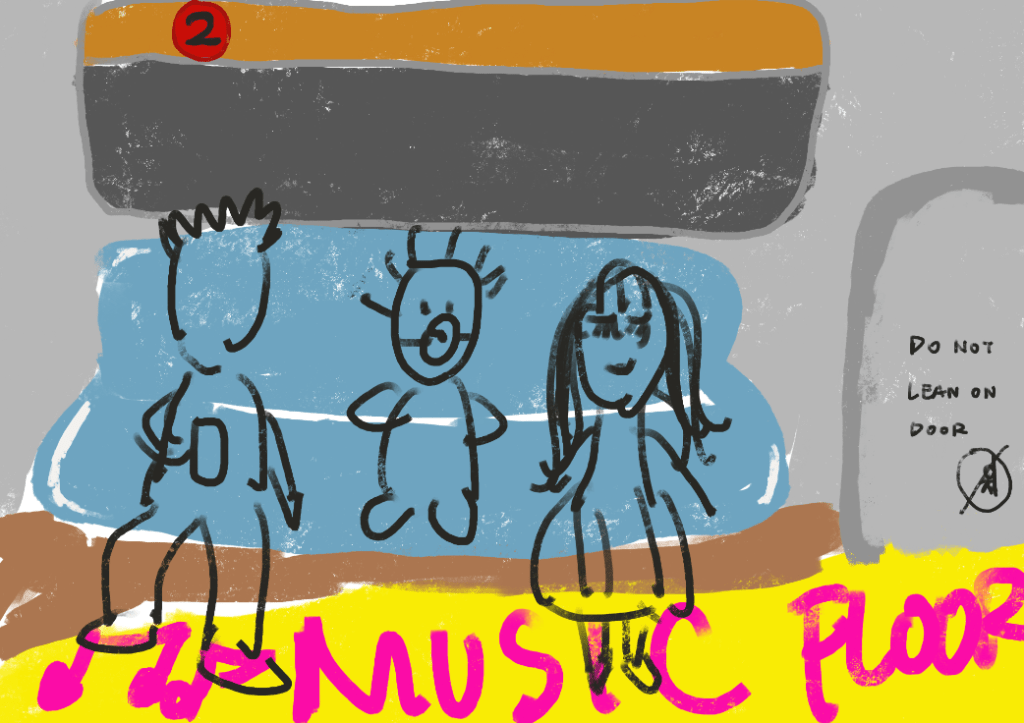
    #2 Music Floor (In-Class work with Bingwen)

    Drawn by Bingwen

    People rush in and out as music plays inside the train, creating a dynamic backdrop. The installation, equipped with cameras or sensors, detects the speed and movement of passengers boarding and exiting. These interactions directly influence the music’s volume, pitch, and intensity, adding a layer of real-time responsiveness to the environment. This installation strives to capture the bustling energy of the subway station through audio, reflecting the station’s chaotic rhythms. As passengers flood in or disperse, the soundscape intensifies with overlapping voices, footsteps, and the clatter of doors, creating a sensory experience that mirrors the visual hustle and bustle of the station at peak hours.

  • 2.2 Interactive Composition

    Inspired by our in-class example Waveforms (Björk)

    Waveforms (Björk)

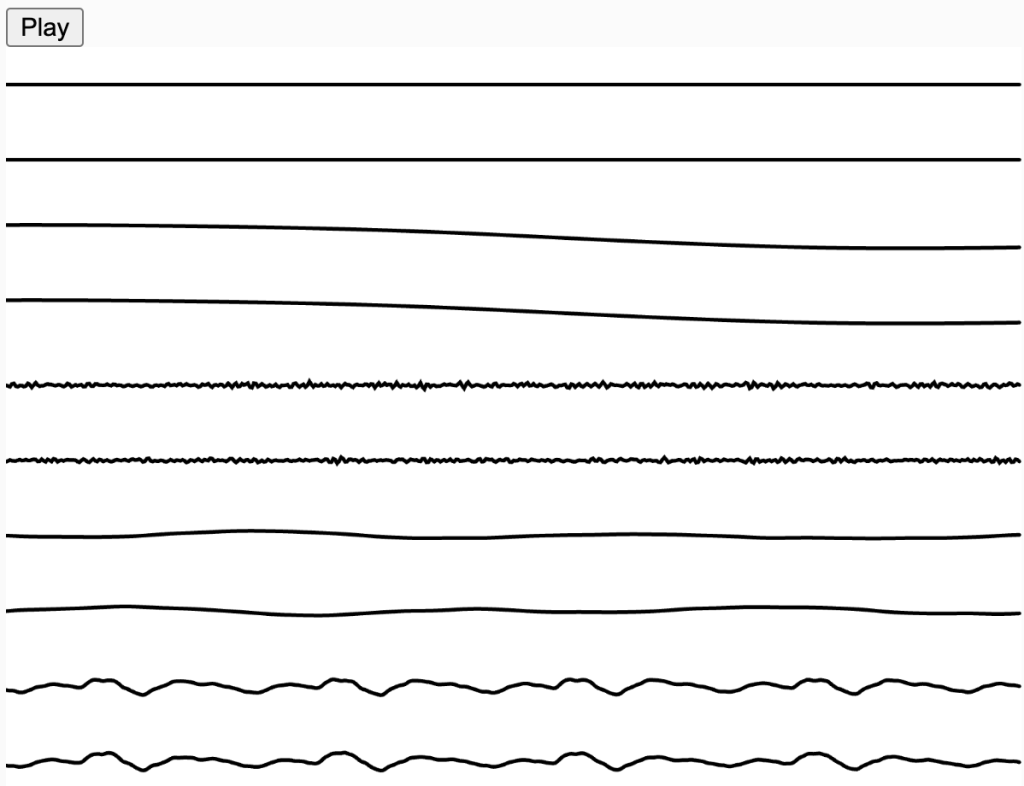
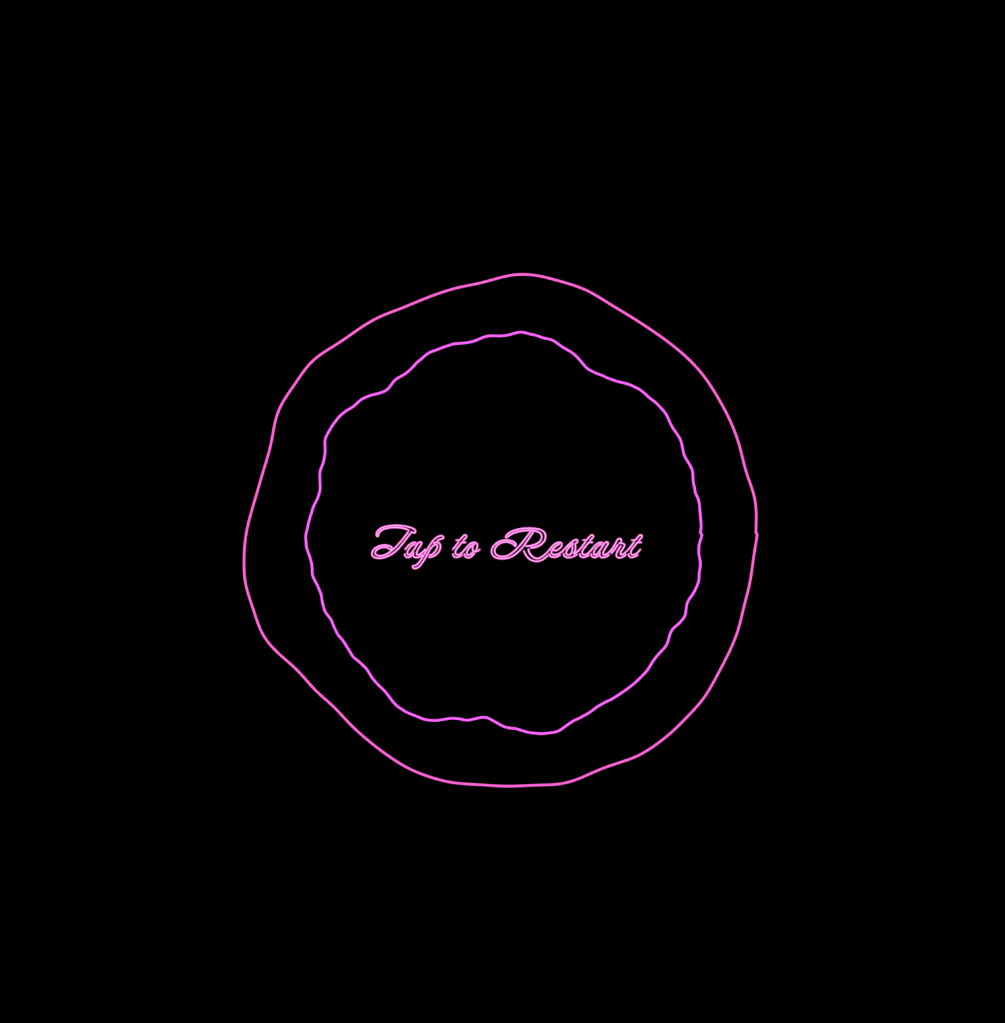
    I made something similar, a concentric circle synchronized with the music waveforms, with its stroke colors affected by waveform, spectrum, and volume.

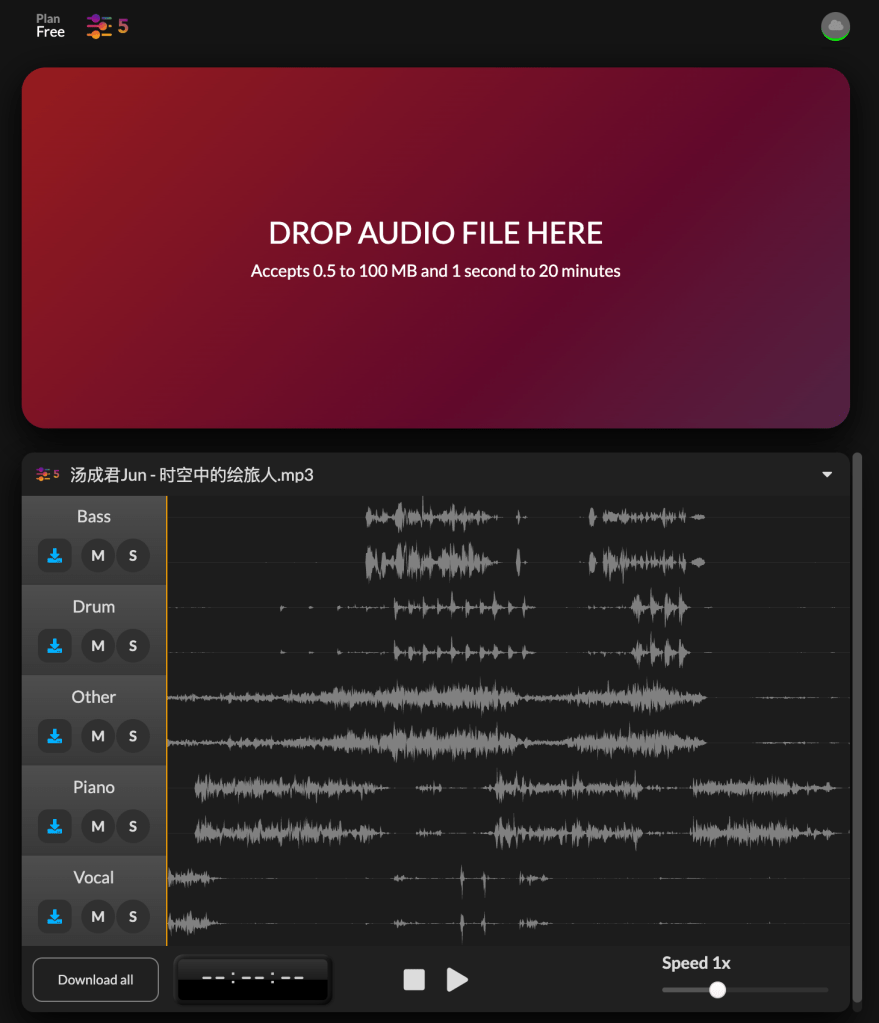
    I chose a song I like and then used a splitter to separate the different parts of the song. I set up individual tracks for each part to analyze their waveform, spectrum, and volume using Tone.js.

    Splitter

    The most challenging part of the process was making each stroke a different color, especially since I’m not very familiar with Tone.js. I initially tried using the analyze function in p5.fft, which can analyze an audio file’s bass, treble, and mid, but it seems that if I use p5 sound, I can’t use Tone.js. In the end, I decided to stick with Tone.js. I analyzed the waveform, spectrum, and volume to use different parameters for RGB. After mapping these parameters, the colors did change, but the changes were still quite subtle, and sometimes it was hardly noticeable at all.

    In addition, I used Björk’s mousePressed function to start and stop the playback of the tracks, allowing players to click on a specific circle to pause and then resume playback. This way, they could recomposite the song. However, since I set the transparency of the circles, if they aren’t playing or the waveform is too low, the circles won’t appear on the screen. So, triggering the start of the composition becomes a matter of randomly clicking, which adds an element of fun to the process.

    My question is, is it possible to use ps.sound and tone.js at the same time, and how to make them compatible.